

GOG Enhancer
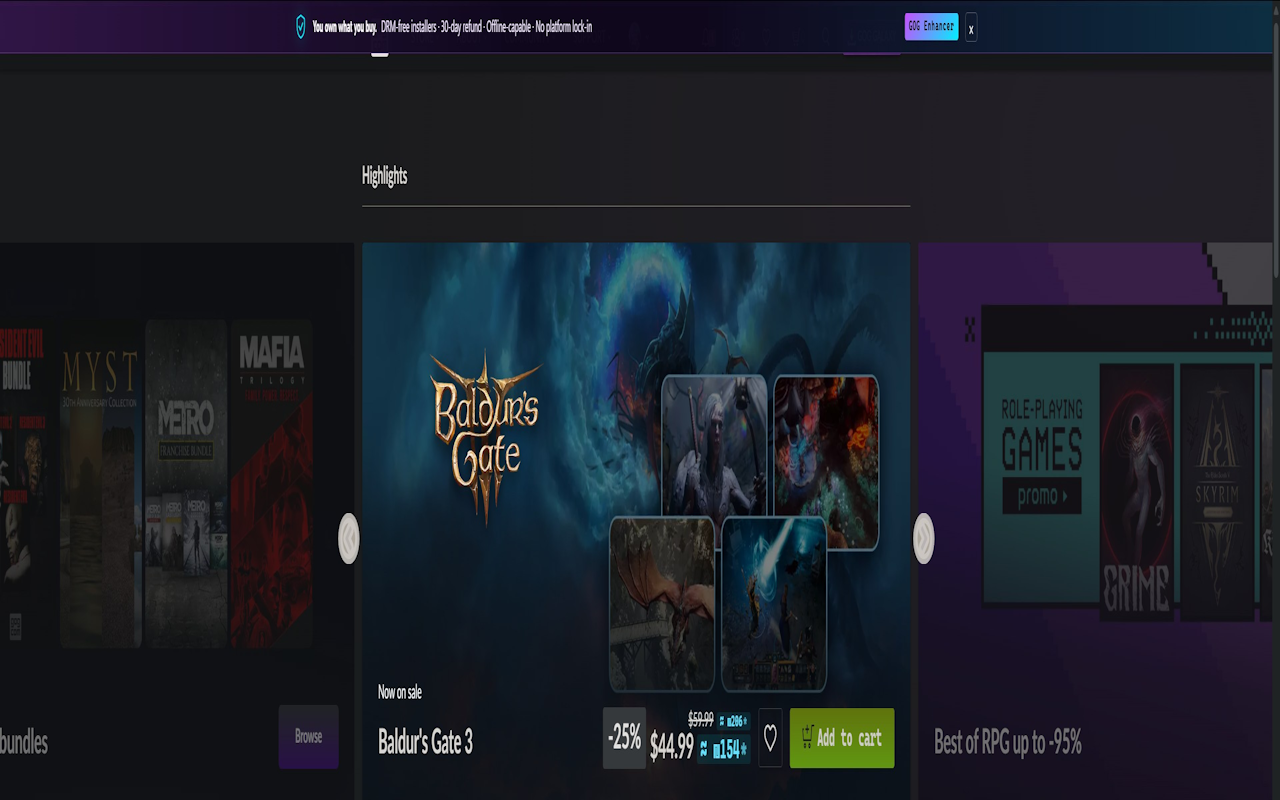
Live currency conversion, price-history tracking, personal tags, wishlist alerts, and Hebrew + RTL — the features GOG.com doesn't ship with, added on top, without changing a thing about how the site itself works.
Everything GOG.com is missing
One extension, fifteen feature groups, zero accounts to create.
Live currency conversion
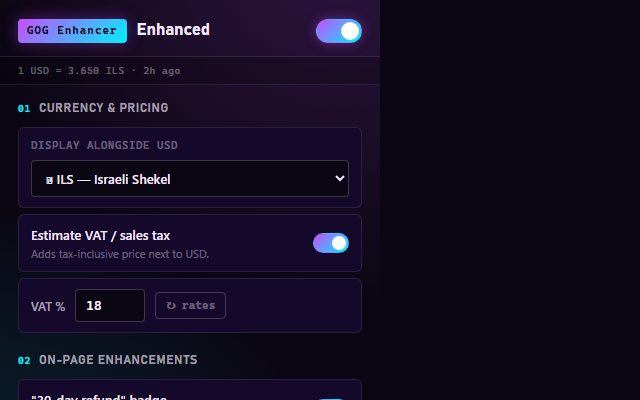
Converts prices to ILS, EUR, GBP, PLN, or RUB using rates from a free, public ECB-backed API — full cross-currency conversion, not just USD.
Price history & sale tracking
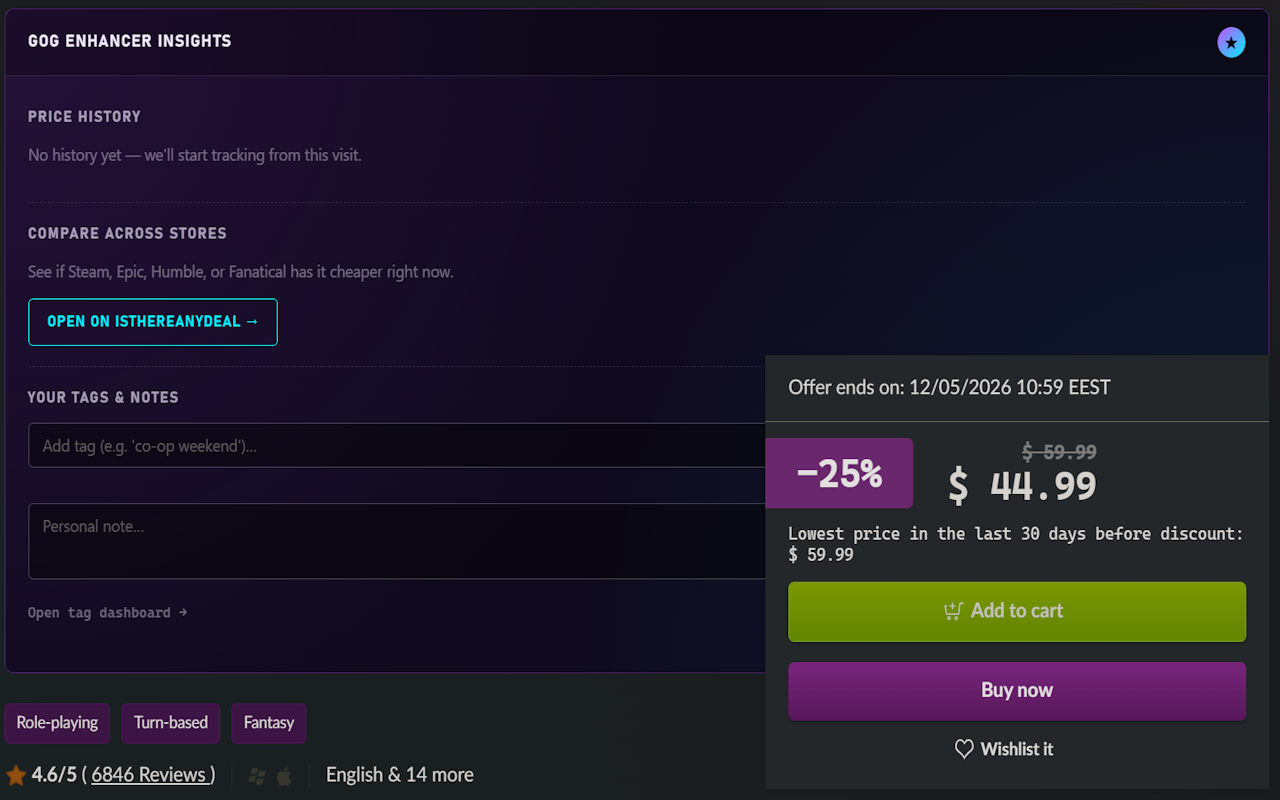
Every visit records a snapshot. See current vs. all-time-low vs. average on a sparkline, with a banner when a game hits its historic low.
Refund window timer
Mark your purchase date and get a live countdown on GOG's 30-day money-back window, with an optional reminder before it closes.
Compare on IsThereAnyDeal
One click on any game page opens a cross-store price check on Steam, Epic, Humble, and more.
Tags, notes & a full dashboard
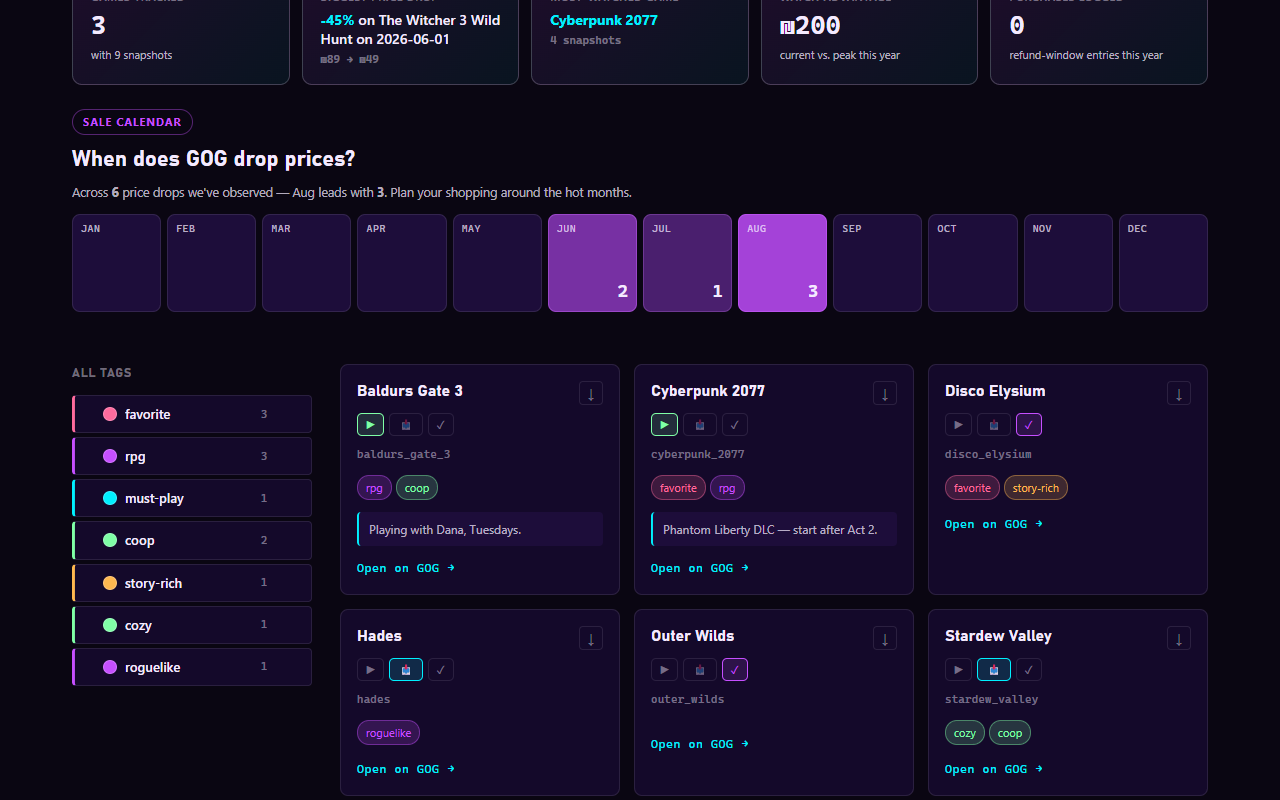
Private tags and notes per game, with colors, search, drag-to-reorder, and CSV export/import — plus a standalone dashboard for your whole library.
Library year-in-review
Annual stats computed entirely from your local data: games tracked, biggest price drop, most-watched title, refund windows logged.
Playing / Backlog / FinishedNEW
Track where you are with each game, separate from tags — set it on the game page or the dashboard, and filter by status.
Wishlist sale alerts
A toolbar badge counts wishlist deals. Opt in to get notified the moment any tracked game drops off its own peak price.
Command paletteNEW
Ctrl/Cmd+K opens quick access to every setting, the tag dashboard, and force-refreshes — no more hunting through menus.
Nine visual themes
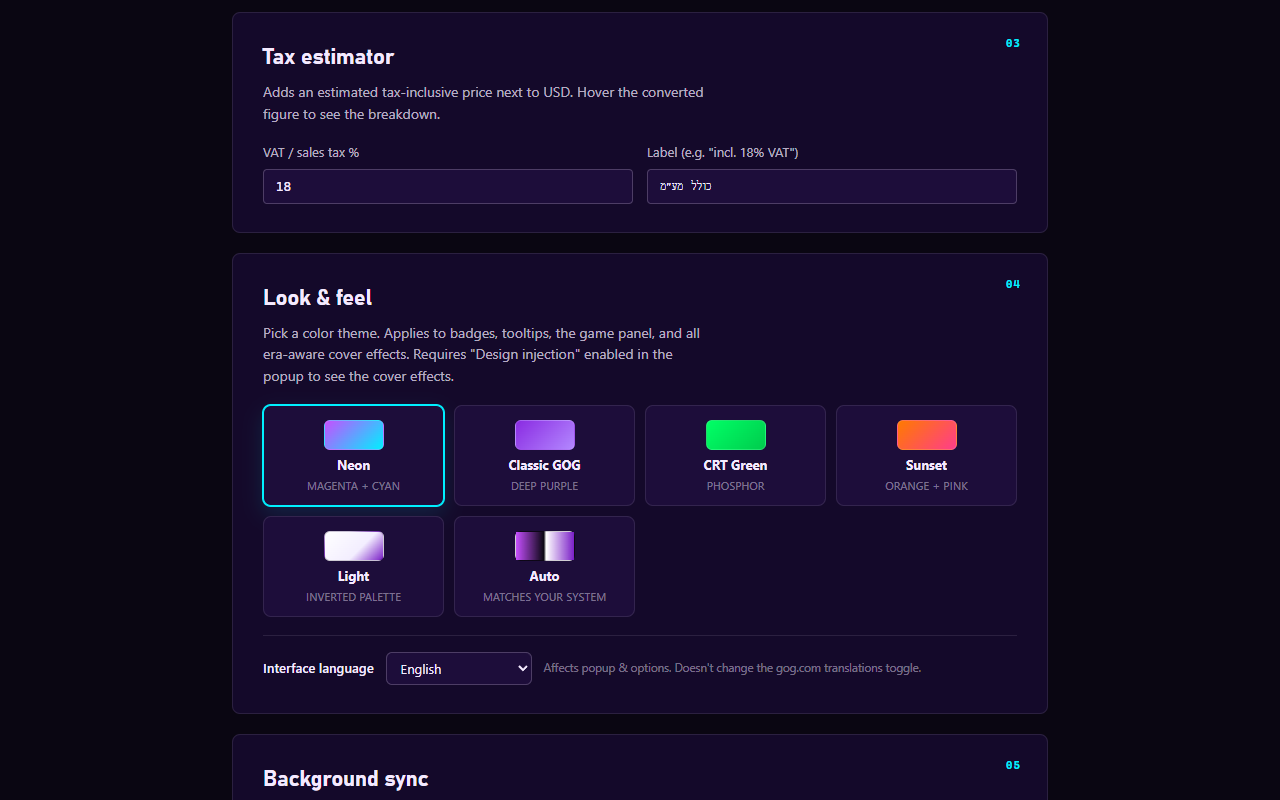
Neon, Classic GOG, CRT Green, Sunset, Light, High contrast, your own Custom colors, Auto (follows your system), and Native — which reads gog.com's own look. Plus calm mode and a one-click plain look.
Hebrew, RTL & 7 languagesNEW
A Hebrew translation overlay and real RTL layout for GOG.com, plus the extension's own dashboard, settings, popup and setup wizard in English, Hebrew, Russian, Polish, German, French, or Spanish.
Privacy-first, always
No analytics, no ads, no remote code. Everything stays on your device except a few anonymous public calls — exchange rates, the mods list, GOG's own APIs (pack contents; the catalog only if you opt into endless scrolling) and optional CheapShark price comparison. A built-in privacy dashboard lists every request and everything stored. An optional webhook goes only to an address you type yourself, after a browser prompt.
Smart wishlist & catalogNEW
Sort and filter your wishlist by real deal quality, see a live total, and hide or dim games you already own. Local sorting, density and side-by-side comparison on the catalog.
Learns your libraryNEW
Remembers what gog.com marks as yours while you browse — nothing is fetched. Powers a language check, "what changed since your last visit", a backlog roulette, Wrapped cards and exports for Obsidian, Notion and Sheets.
Sync through your own folderNEW
Dropbox, OneDrive, Google Drive or Syncthing already syncing a folder? Point the extension at it — automatic merging, conflict list and dated backups. No server of ours.
Achievements & challengesNEW
36 local achievements in three tiers (a few hidden), a browsing streak and three monthly challenges — plus a dashboard you can drive entirely from the keyboard.
Packs, calendars & endless scrollingNEW
See what a pack really contains and which of its games you own, download refund and release-date calendars, save a weekly digest as a web page — and, if you opt in, scroll catalogs without paging.
Screenshots
Click any image to view it full size.
Install it in under a minute
Not on the Chrome Web Store yet — install the unpacked build directly from GitHub.
Open extensions
In Chrome, Edge, or Brave, go to chrome://extensions and turn on Developer mode (top right).
Load unpacked
Click Load unpacked and select the unzipped folder. An onboarding tab opens automatically — you're done.
Chrome Web Store submission is on the way — this page will switch to a one-click install once it's live.
Privacy, by construction
Nothing here is a policy promise bolted on after the fact — it's how the extension is built.
- No analytics, telemetry, or third-party tracking of any kind
- No ads, ever
- Tags, notes, and price history never leave your device
- Only five addresses are ever contacted, each listed — with every request — on a built-in privacy dashboard, and a test fails the build if that stops being true
- No Google Fonts, no CDNs, no remote code
- Open source under the MIT license — verifiable end to end